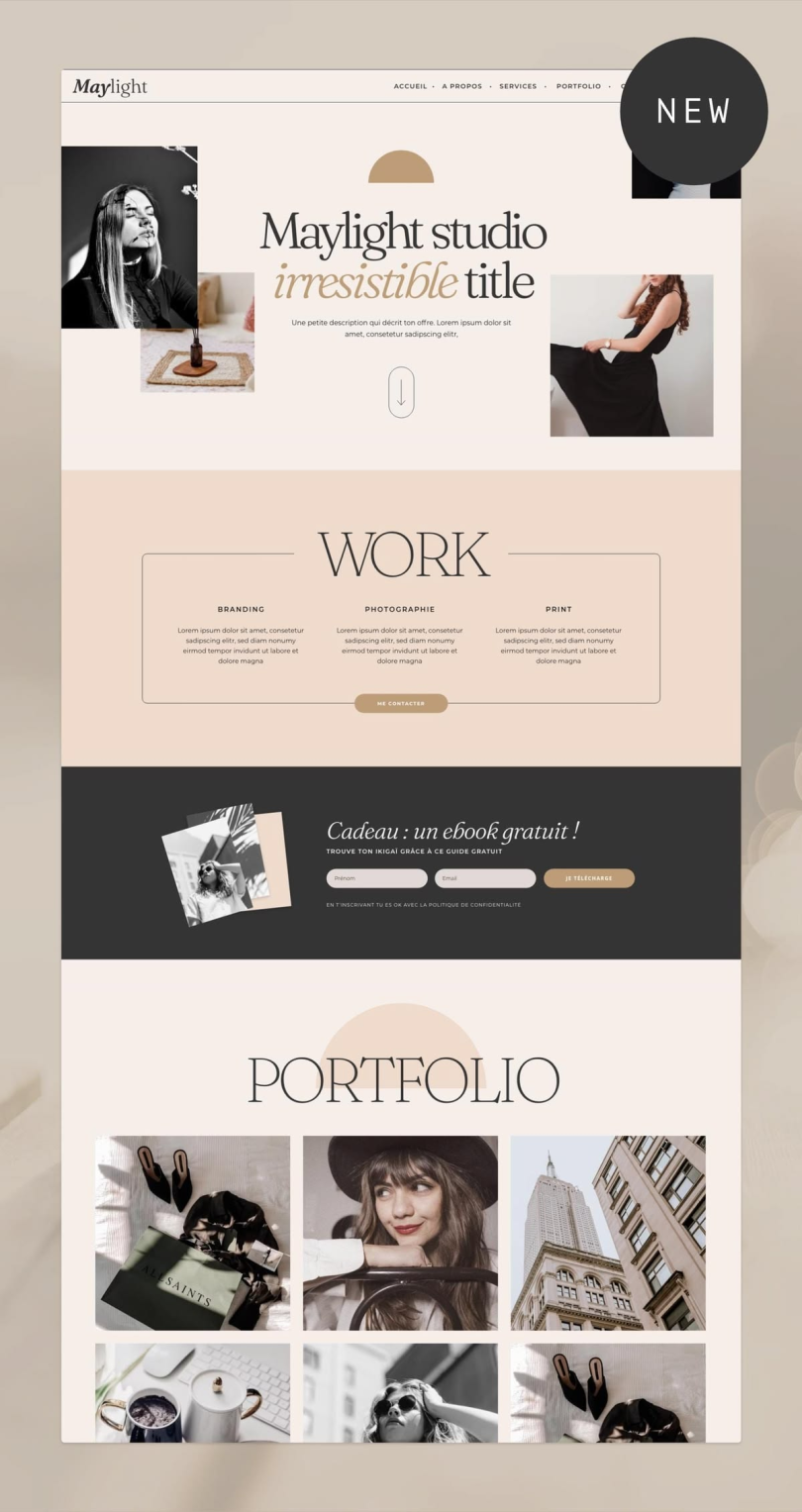

Introduction
Stylish is a browser extension that allows users to customize the appearance of websites without changing their original content. It works by applying custom CSS styles to web pages, enabling users to modify colors, fonts, layouts, and other visual elements according to their preferences. Originally developed by Jason Barnabe in 2005, Stylish became one of the most popular tools for website customization across multiple browsers.
The extension provides an easy way for users to install community-created themes or create their own styles using CSS. Whether someone wants a dark mode for a website, a cleaner layout, or a completely different design, Stylish makes it possible with just a few clicks. Over the years, it gained popularity among web developers, designers, and everyday users who wanted greater control over their browsing experience.
What is Stylish Software?
Stylish is a user style manager that changes the visual appearance of websites by applying custom CSS code in the browser. Unlike website modifications on the server side, Stylish only affects how pages appear to the individual user. The original website content remains unchanged.
Users can create styles manually or download ready-made themes from style-sharing communities. These styles can target a specific webpage, an entire domain, or all websites visited through the browser.
Key Features of Stylish Software
- Custom website themes and layouts
- Support for user-created CSS styles
- Easy installation of community themes
- Ability to target specific websites
- Quick enable or disable functionality
- Cross-browser support for several major browsers
- Personalized browsing experience
These features make Stylish a useful tool for users who want more control over how websites look and function visually.
Benefits of Using Stylish
Better Visual Experience
Users can redesign websites according to their preferences, making browsing more enjoyable.
Improved Accessibility
Custom styles can increase font sizes, improve contrast, and enhance readability for users with visual difficulties.
Personalized Browsing
Stylish allows complete customization of website appearance without affecting the experience of other users.
Developer-Friendly
Web designers and developers can test CSS changes quickly without editing live websites.
Privacy Concerns
Stylish faced significant privacy concerns after ownership changes led to data collection practices that attracted criticism. In 2018, browser stores temporarily removed the extension following reports related to browsing-history tracking. Later versions introduced consent mechanisms, but many users switched to alternatives.
Best Alternative: Stylus
One of the most popular alternatives is Stylus, an open-source browser extension created as a fork of Stylish. Stylus focuses on customization while removing analytics-related concerns that affected Stylish’s reputation.
Conclusion
Stylish software remains an important browser customization tool that allows users to modify the appearance of websites through custom CSS styles. Its flexibility, ease of use, and large collection of community-created themes made it highly popular among internet users. However, privacy concerns encouraged many users to explore alternatives such as Stylus. For anyone interested in personalizing websites and improving their browsing experience, Stylish introduced a concept that continues to influence browser customization tools today.